Getting Started
Download the RevPOS Lite Application
After creating a virtual device, download the RevPOS Lite application using the link below:
Installation
To install RevPOS Lite, run the installer as Administrator. Once the installation is complete, a desktop shortcut will be created.
Opening RevPOS Lite
Launch the Application
Double-click the RevPOS Lite shortcut on your desktop.
Log In
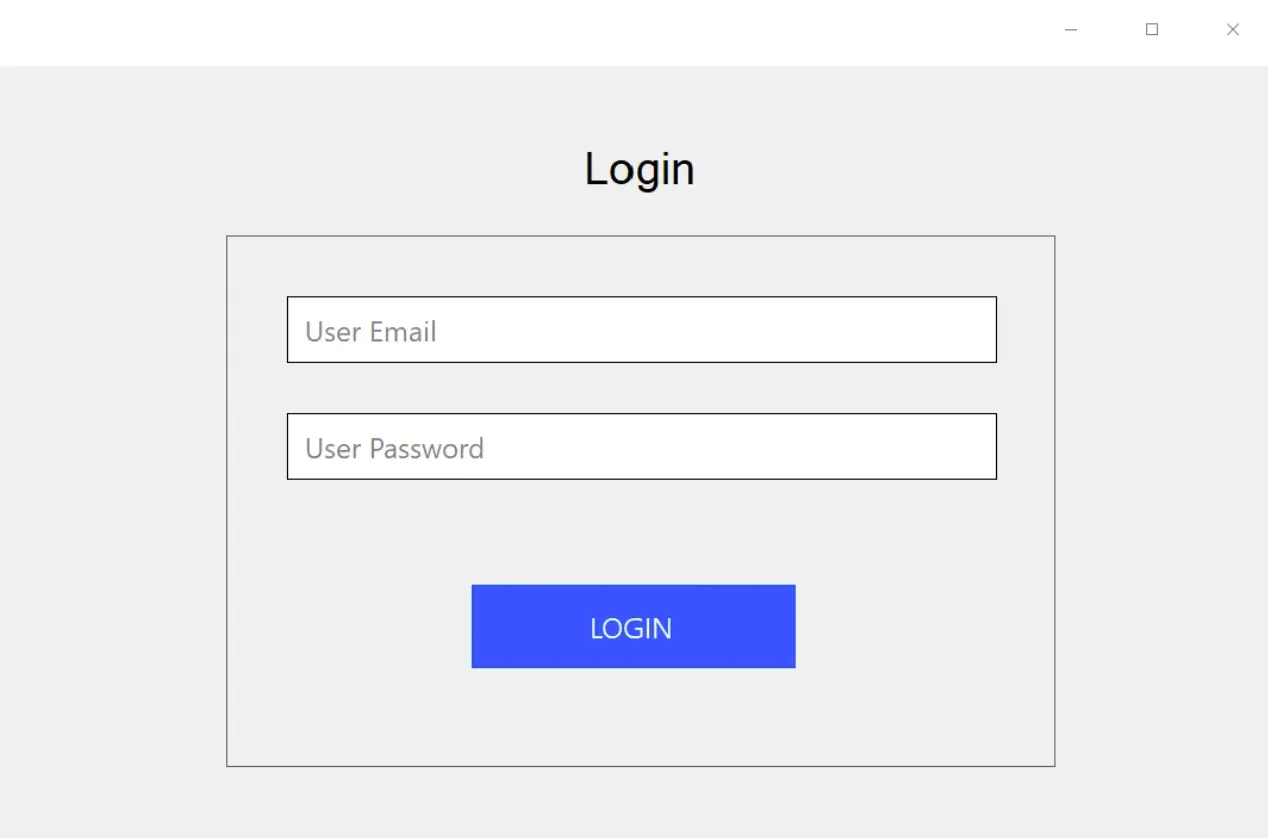
Enter your email address and password associated with the user you created on the Fiscal Cloud platform.
Dashboard Overview
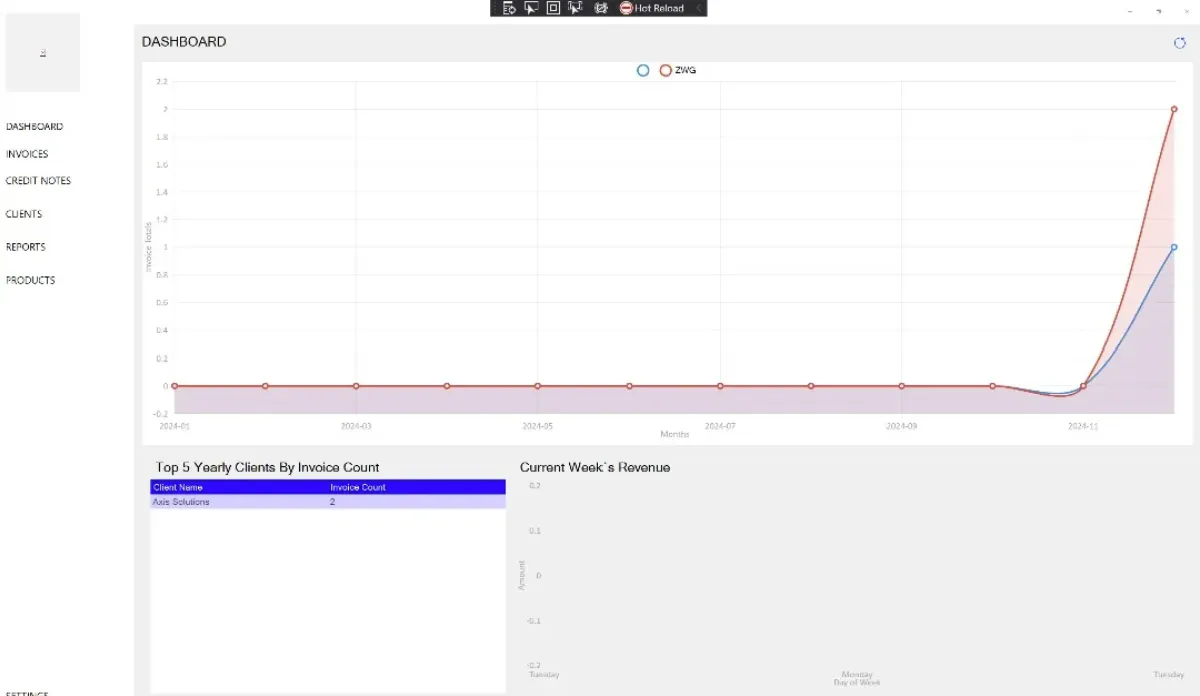
Once logged in, you will be directed to the dashboard. The dashboard provides a summary of your activity, including:
- Statistics of invoices issued.
- Currency breakdown for transactions.
Features
- Flexible Printing Options — Print invoices in A4 format or as till slips, depending on your business needs.
- Customer and Product Management — Add and manage customer details and products with ease.
- Comprehensive Reporting — View reports of fiscalised invoices, users, and products. Export reports to Excel for further analysis or record-keeping.
For additional support or a demo, contact us at helpdesk@axissol.com.