Getting Started
Create an Account
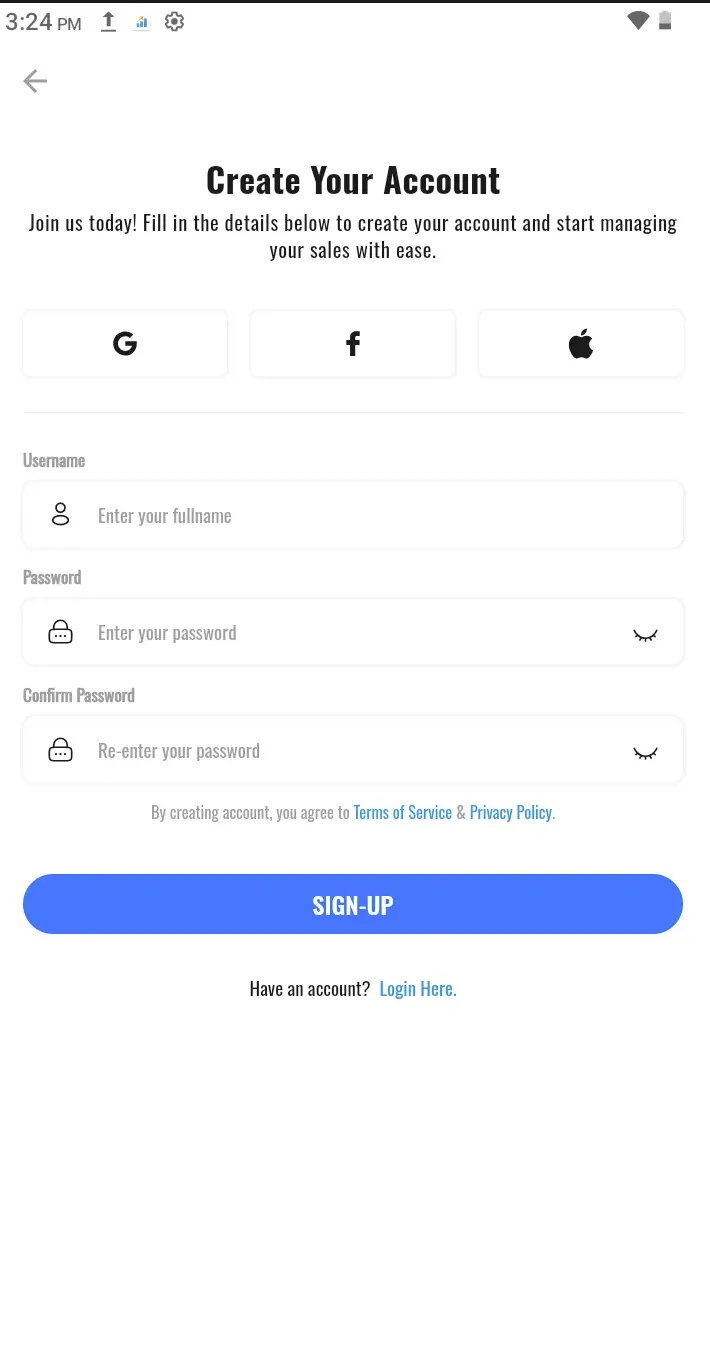
To begin using the RevPOS Mobile Fiscalisation system, users need to create an account.
Steps to Register
- Open the App — Launch the RevPOS Mobile Fiscalisation app.
- Select the Register Option — Tap on the Register button.
- Enter Details — Fill in your email address or username and create a password.
- Submit Information — Tap the Register button to complete the process.
The details you provide will be securely saved in the system.