User Management
The Users section is designed for managing system users efficiently. Only users with admin privileges can perform certain actions like adding, editing, or deleting users.
Features
View Users
Displays a list of all users currently registered in the system, including key details such as:
- Username
- Email Address
- Role (e.g., Admin, User)
Add Users
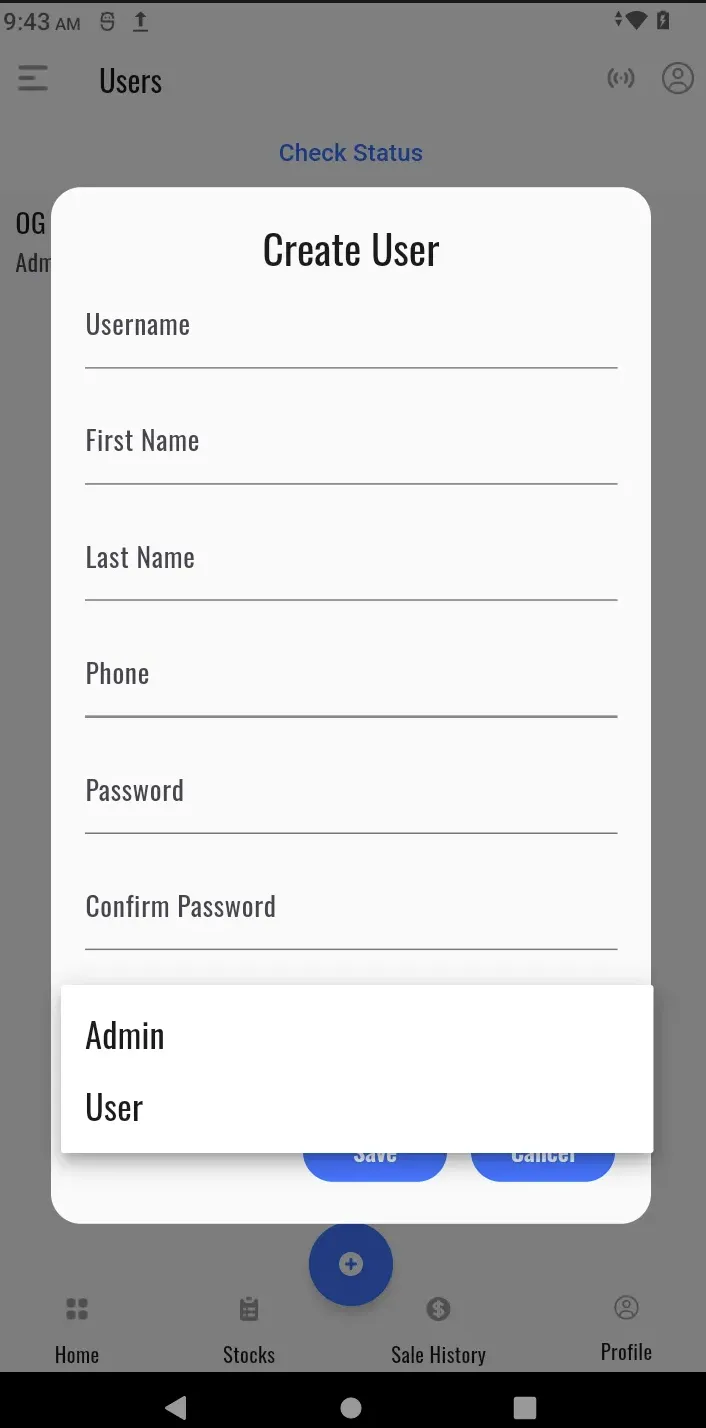
Admins can add new users by providing the following details:
- Username or Email Address
- Password
- Click Save to register the new user.
Edit User Details
Update user information as required, such as username, email address, or password.
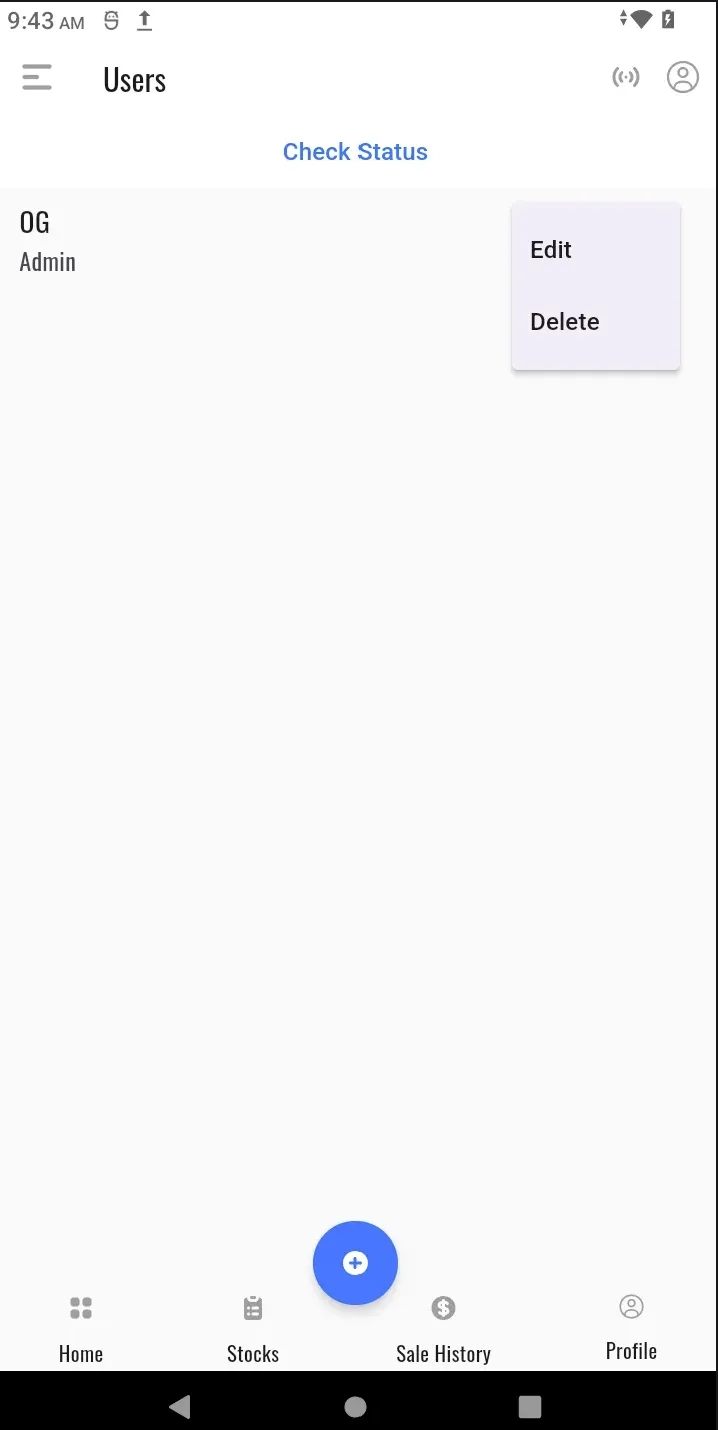
Delete Users
Remove users who no longer need access to the system.