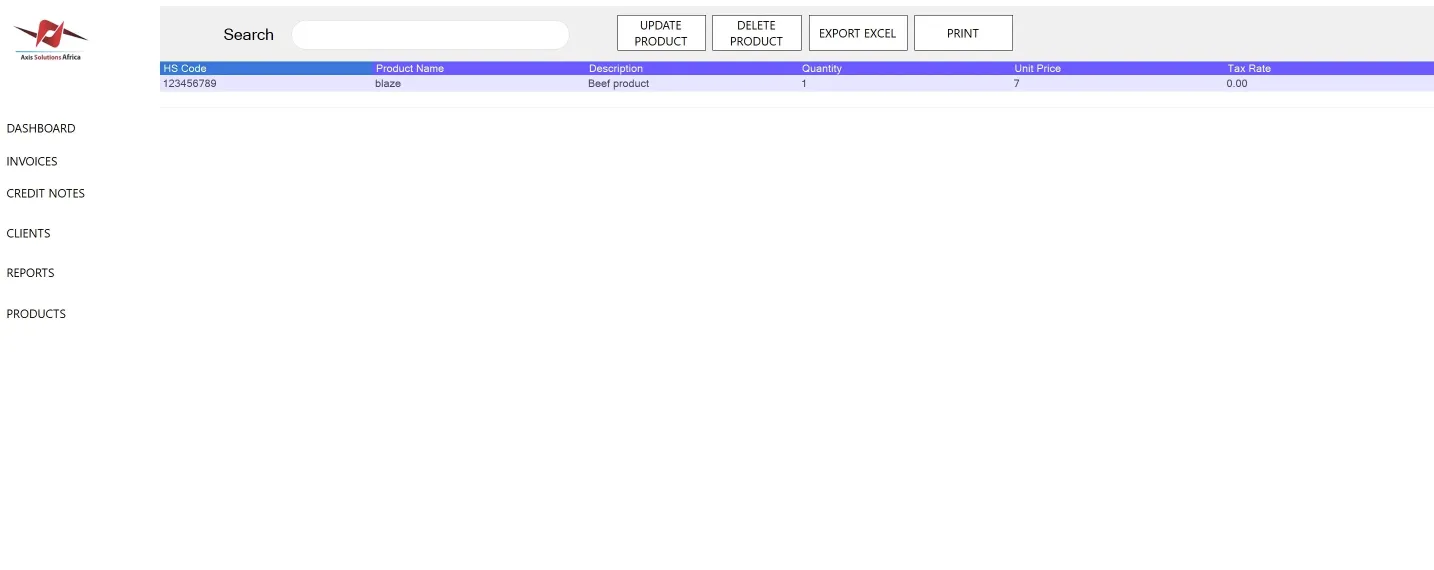
Products
The Product Dashboard allows users to manage products in the system. It contains fields for HS Codes, Product Name, Description, Quantity, and Unit Price.
Adding a Product
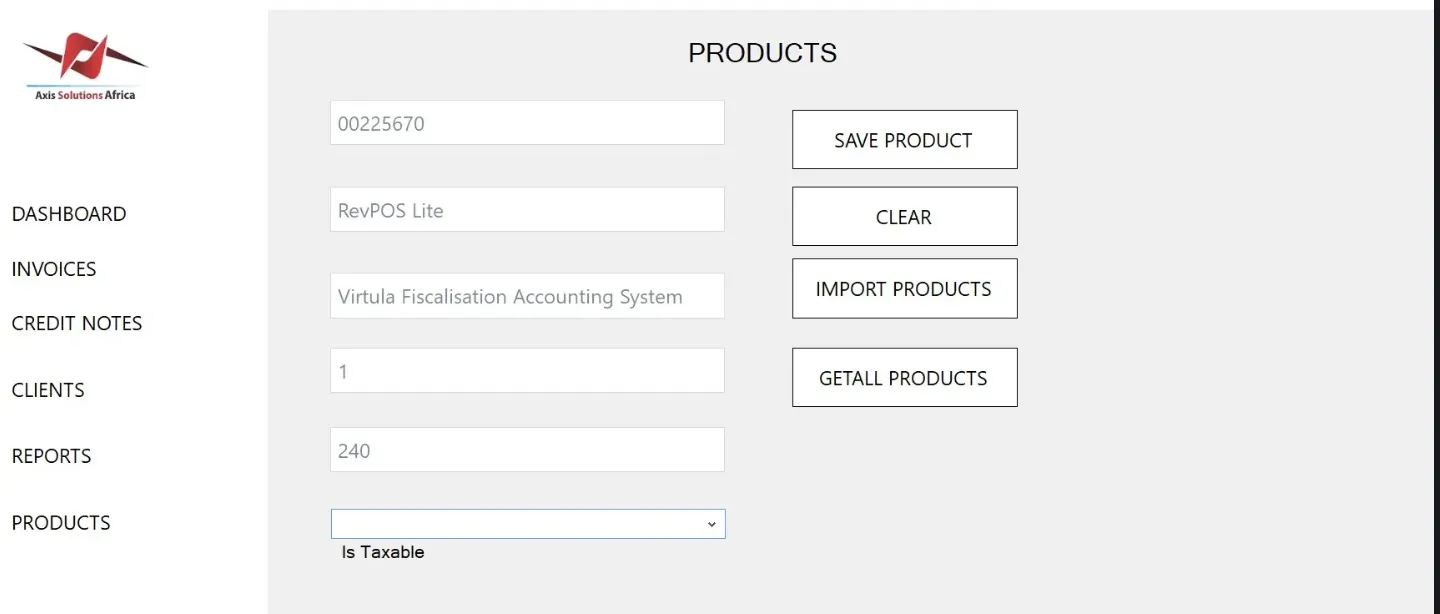
To add a product, fill in the following fields and click the Save Product button:
- HS Codes
- Product Name
- Description
- Quantity
- Unit Price
Importing Products
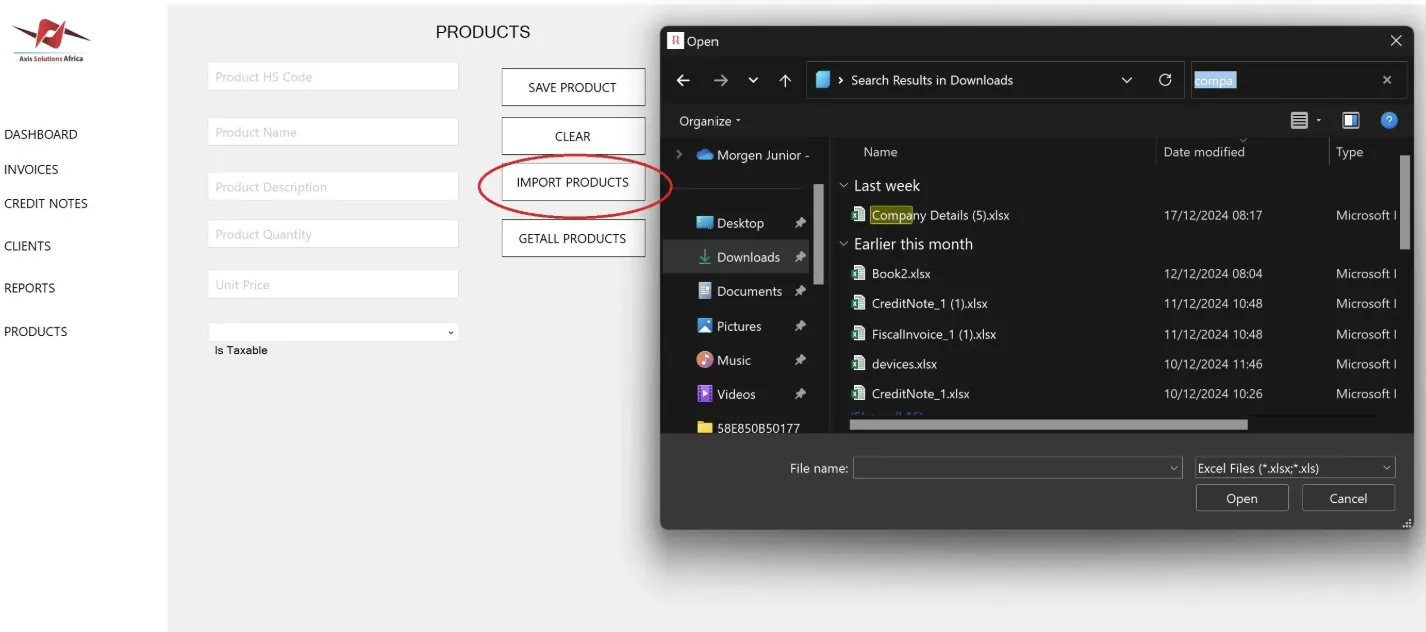
You can import multiple products into the system by clicking the Import button and uploading an Excel file containing the product details.
Viewing Product Details
Click the Detail Products button to view all products in your system. In this section, you can:
- Edit products.
- Delete products.
- Export products to Excel.
- Print the products list.